

Before you start
You need an Account Admin role in Sidecar and permission to install or request a GitHub app for the target organization.Connect GitHub
1
Open GitHub in Integrations
In Sidecar, select Integrations, then open GitHub.
2
Start the installation
Click Link Sidecar Data. Sidecar sends you to GitHub.
3
Choose repository access
Select the GitHub organization and grant access to the repositories Sidecar should use.If the organization requires approval, request the installation from a GitHub organization administrator.
4
Return to Sidecar
Complete the GitHub flow. Sidecar records the installation and displays the connected account.
Change repository access
Return to Integrations → GitHub and click Configure integration in GitHub. Update the repository selection in GitHub. Uninstalling the app or removing a repository can make existing jobs unready.Verify Agent Console access
Open an agent’s Settings page and check Scope → Repositories. See Connect repositories for job-scope behavior.Custodian access
Custodian uses an additional GitHub app installation for upstream subscriptions. The Custodian section on the GitHub integration page shows its installations and repository access. Follow the Custodian downstream-impact review recipe before binding upstream repositories.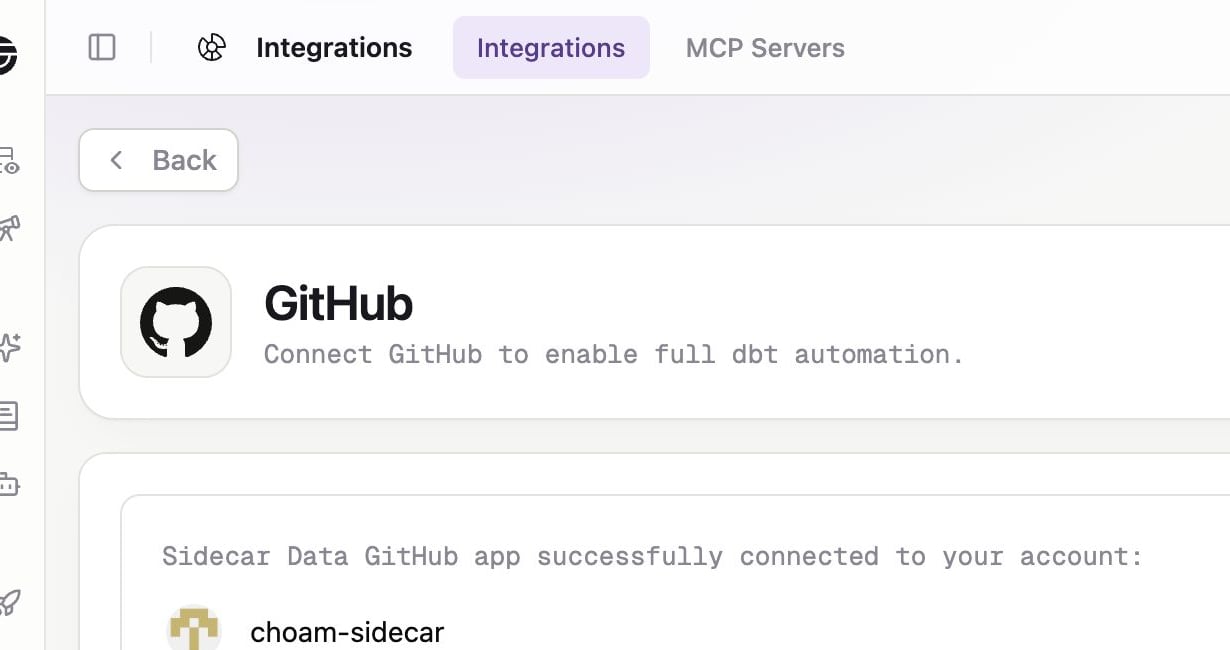
The GitHub page shows the connected Sidecar Data installation and Custodian access separately.