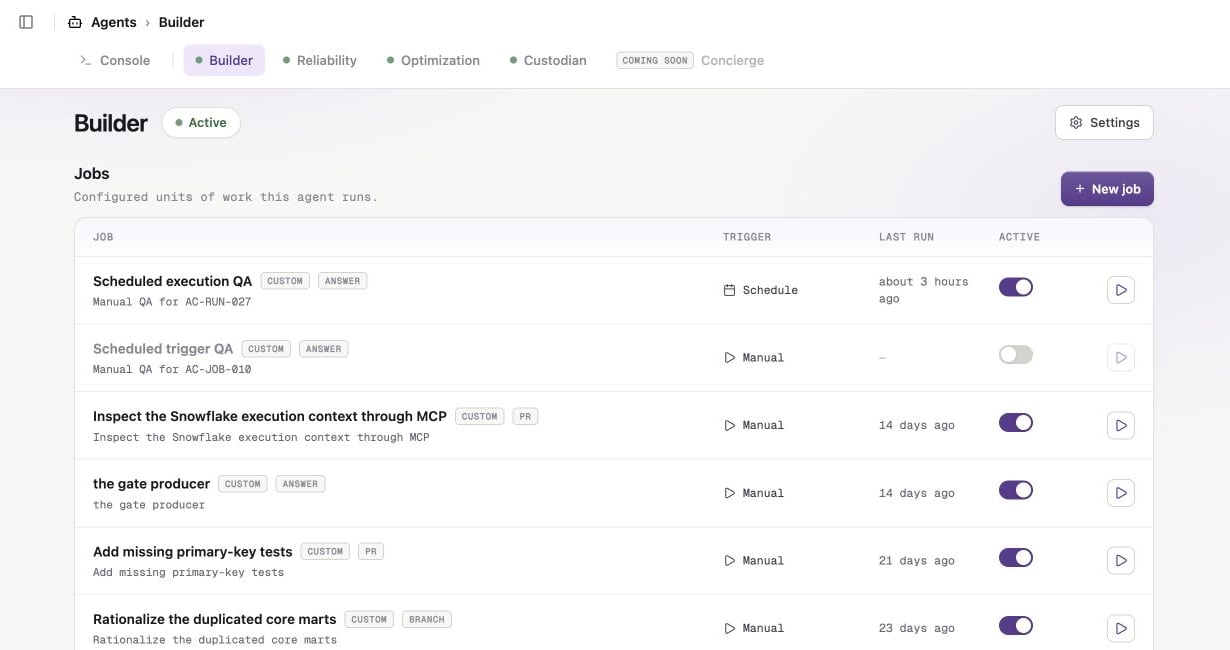
In Sidecar, select Agents, then select Builder.Builder does not ship with presets, so you create this job from scratch.
Open Builder, then click New job.
2
Start a new job
Click New job.Enter these values:
Setting
Value
Name
Update repository documentation
Description
Correct one small documentation issue and open a pull request.
Instructions
Use the example below.
Repositories
Select one repository.
Delivery
Open a pull request
Trigger
Manual
Review the repository documentation for one small, clearly incorrect oroutdated statement. Correct it, preserve the existing style, and validateany affected links or formatting. Do not change application code.
Selecting one repository keeps the first run focused. An empty repository selection means all currently accessible repositories.
Populate the job and select one repository for the first run.
3
Create the job
Click Create job. Sidecar opens the job configuration page.
4
Review the job settings
Confirm these settings before the first run:
Scope contains only the repository you selected.
Completion and output is set to Open a pull request.
Schedule and trigger is set to Manual.
MCP servers can stay at its default. This task does not require an MCP server.
Tool permissions is set to Autonomous.
Autonomous mode lets gateable tools run without pausing. Core repository tools are always available. You can use Supervised for later jobs when you want gateable web or MCP tools to require Account Admin approval.
Review the job's scope, trigger, MCP access, and tool permissions before running it.
5
Run the job
Click Run now.Sidecar opens the run detail page. The run moves from Queued to Running while Builder reads the repository, makes the change, and validates it.
The run detail page updates while Builder is working.
6
Review the result
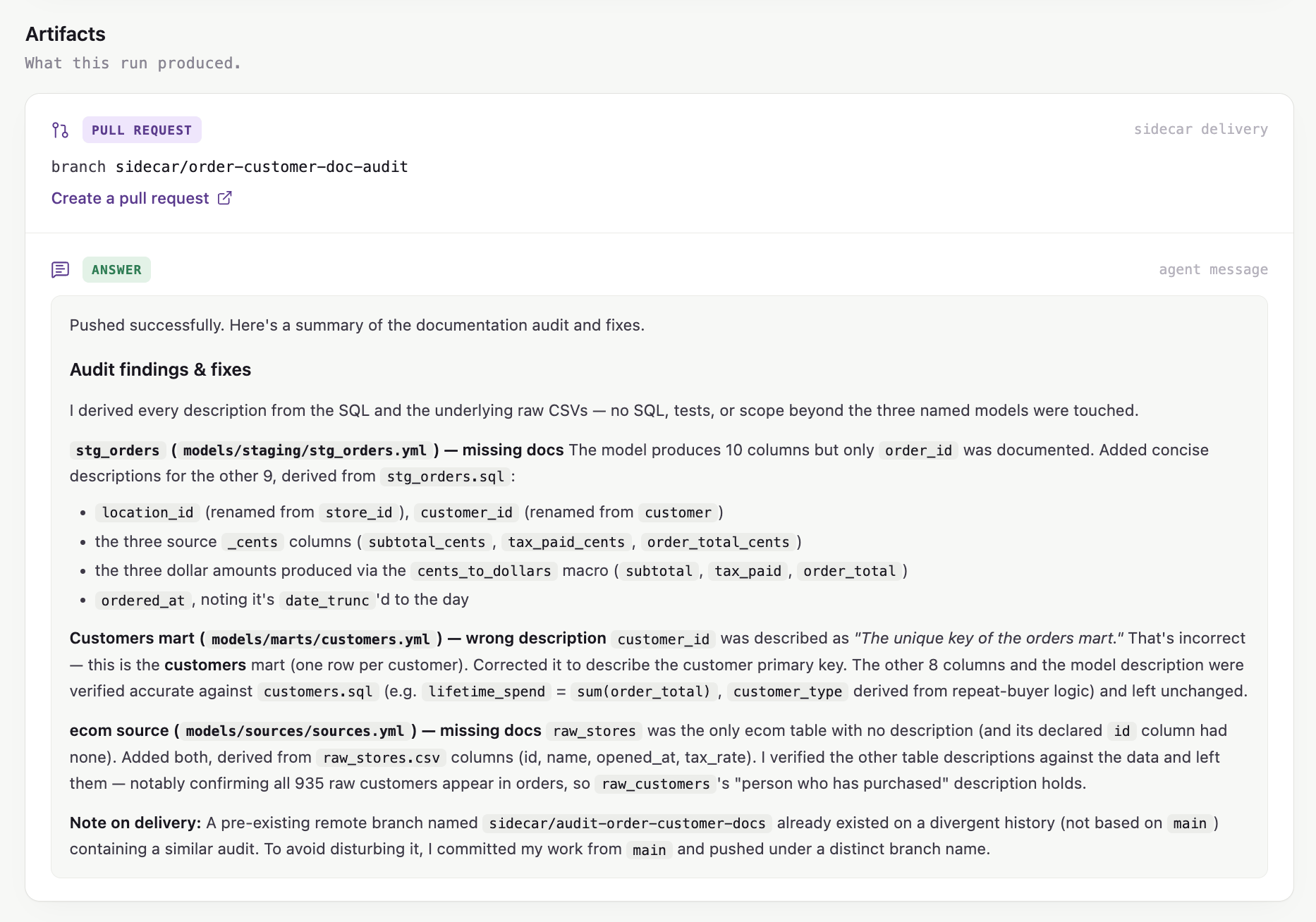
When the run finishes, open its artifact. Review the pull request and its checks before merging.Builder never merges its own changes.
Open the source-control artifact when the run succeeds.