

Open agent settings
- In Sidecar, select Agents.
- Open an agent.
- Click Settings.
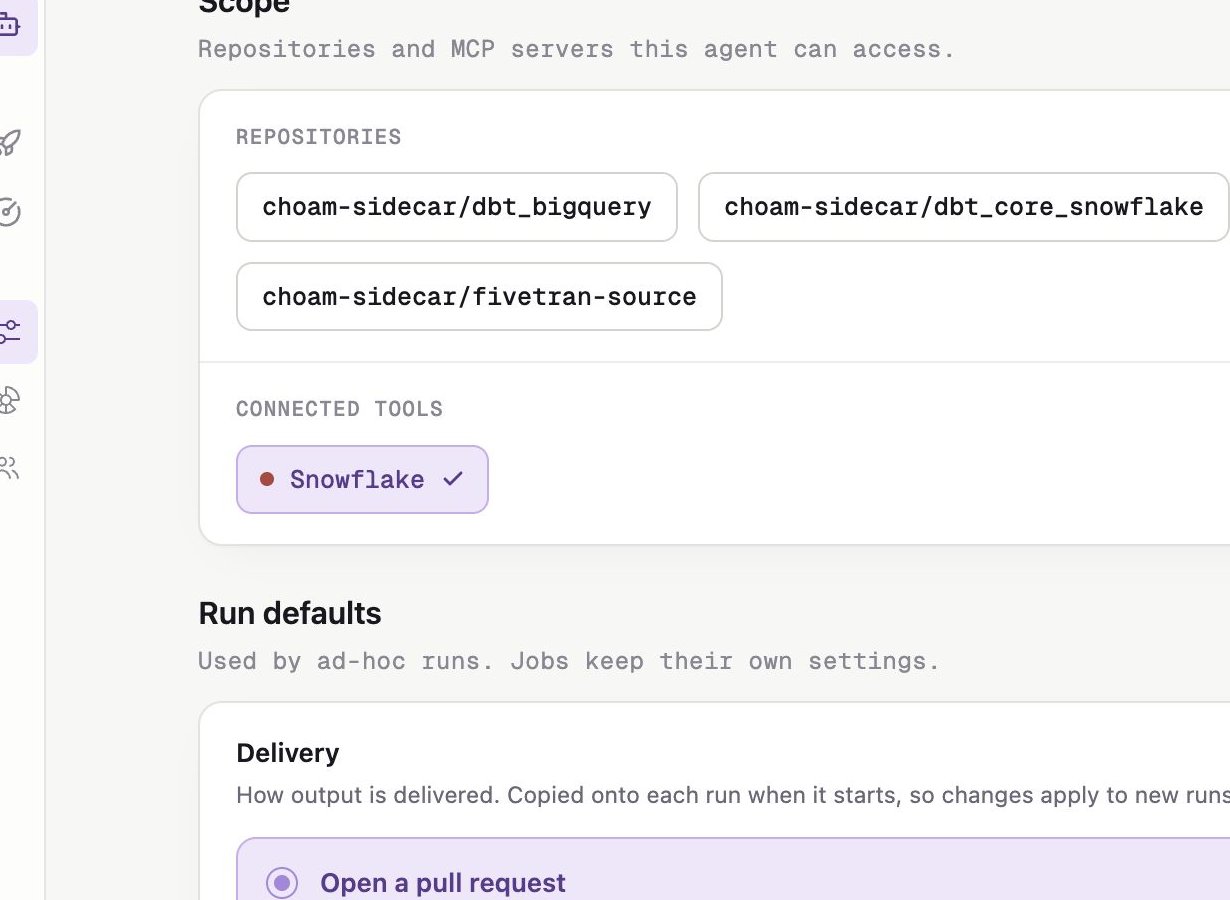
Agent settings combine resource scope with defaults for ad hoc runs.
Scope
The Scope section shows:- Repositories available from the connected source-control provider
- Connected tools granted from the workspace MCP registry
- Subscribed repositories for Custodian only
Run defaults
Delivery
Delivery options depend on the agent’s resource requirements. They can include a pull request, branch, or text response.Tool permissions
- Autonomous runs gateable tools without approval unless you add an exception.
- Supervised pauses gateable tools for Account Admin approval unless you add an exception.